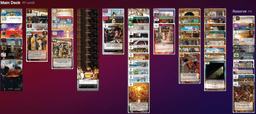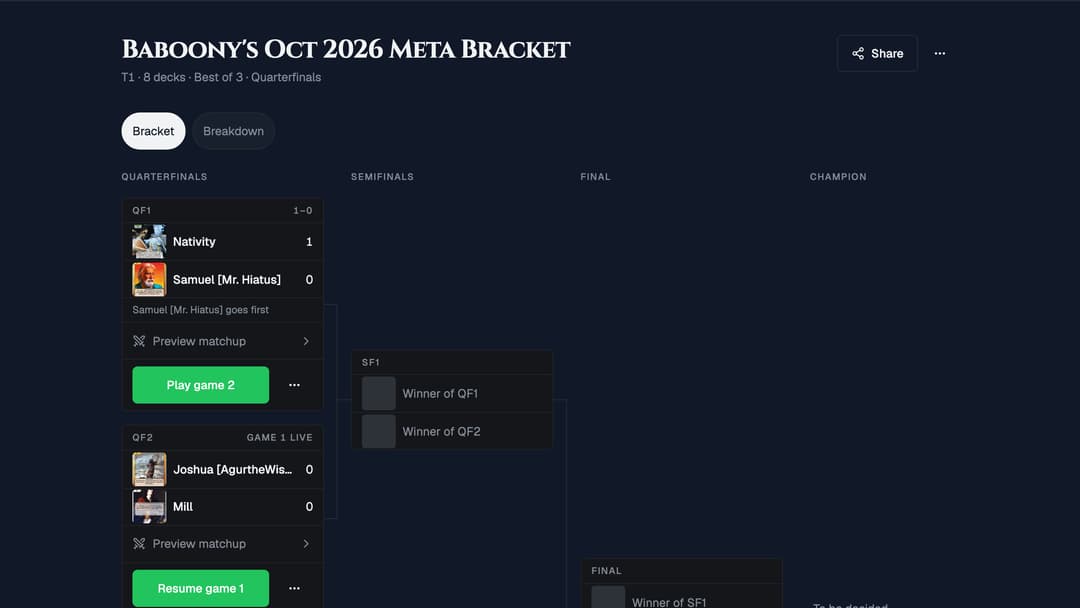
Here is what landed on the site over the past few weeks, with pictures. All of it is live now.
Gauntlets: a bracket of your own decks
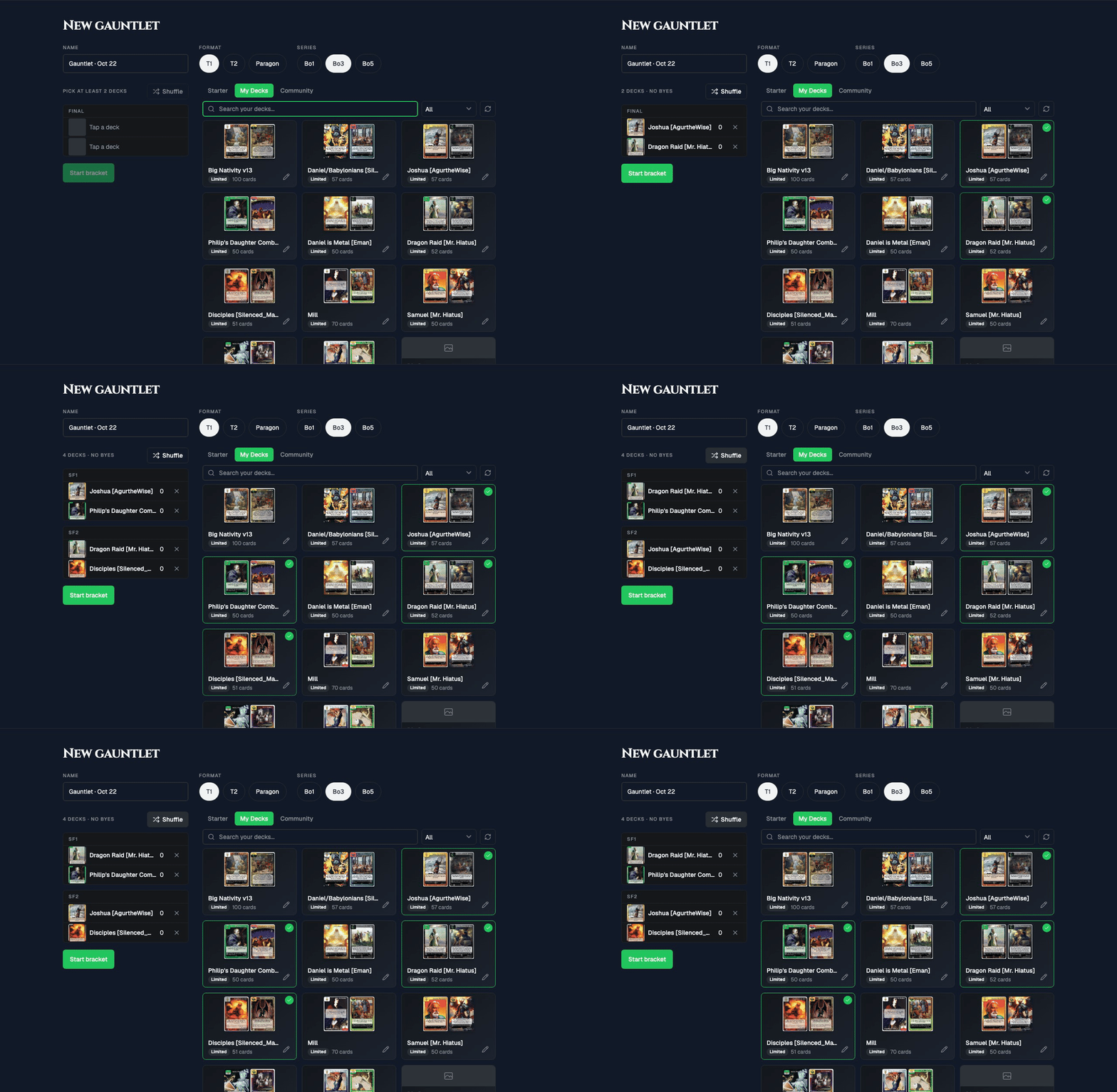
Which of your decks is actually the best? Pick 2 to 16 of them, choose T1, T2 or Paragon and best of 1, 3 or 5, and the site draws them into a bracket. Then play every match yourself on the Play table, holding both seats. Results go straight into the bracket, winners move up, and the last deck standing gets a champion panel.
To start one, sign in and open Gauntlets from the Events menu, then tap New gauntlet. You can also select decks in My Decks and tap Start a gauntlet.
Anyone with the link can follow a bracket (here is mine), and any single game can be played online against a friend instead.
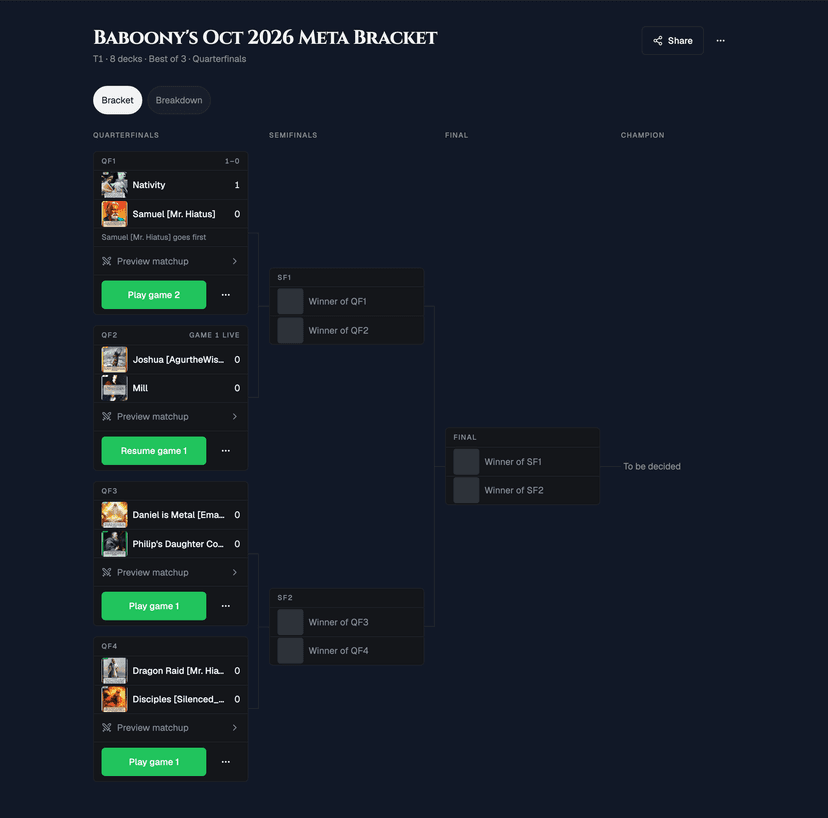
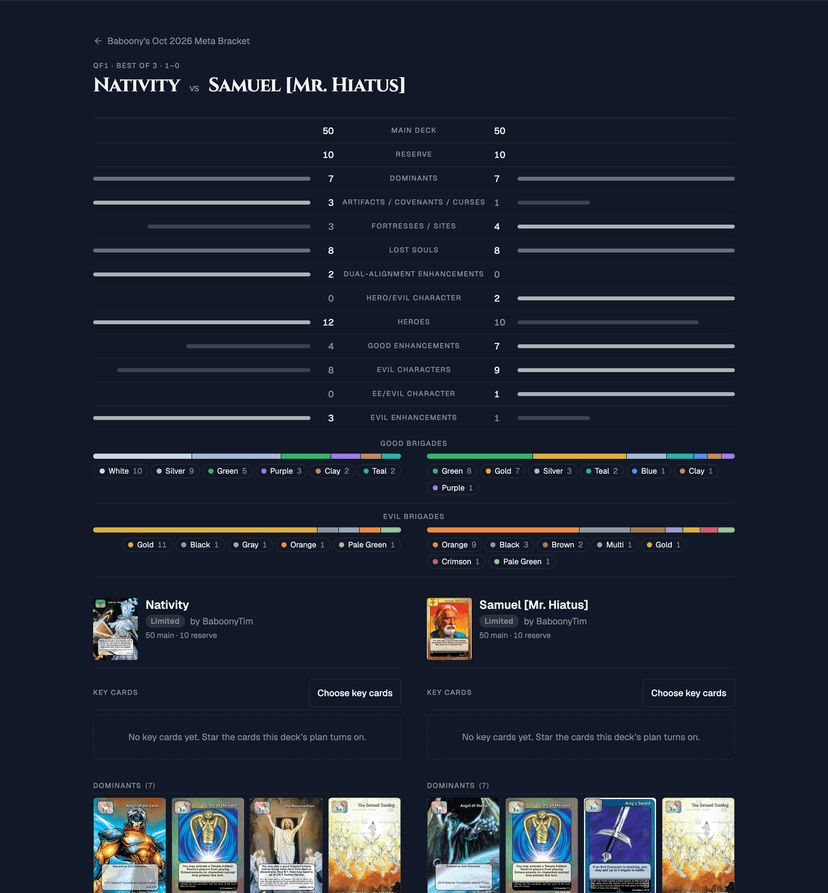
Preview matchup compares the two decks before you play: card types and brigades side by side, both decklists, and up to 12 starred key cards per deck.
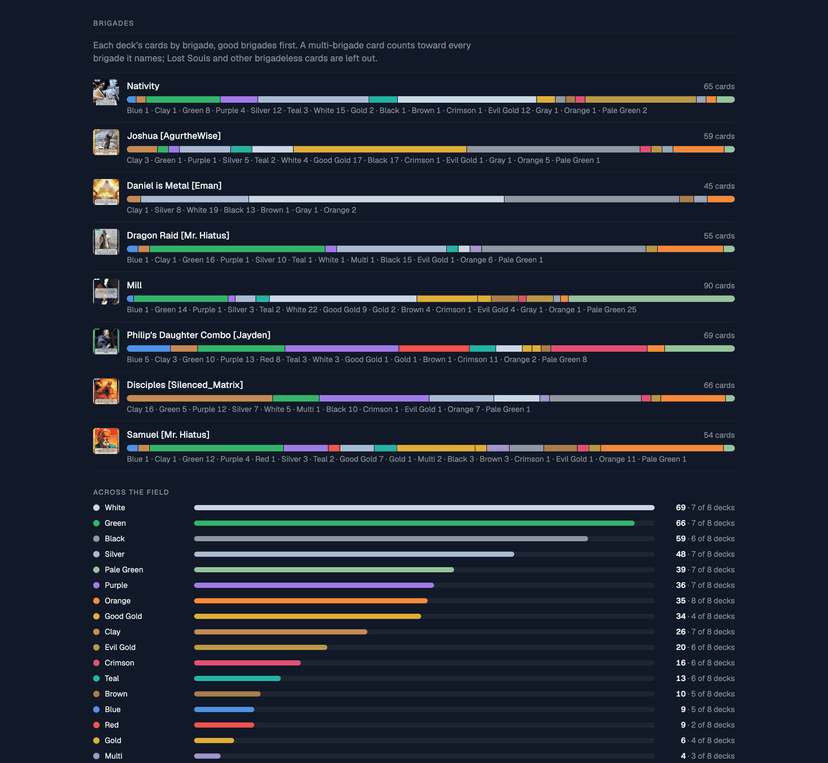
The Breakdown tab is the standings page for your field: finish, record and souls for every deck, the memorable games, what the decks share, and each deck's cards by brigade.
Brigade bars on every deck
Every public deck page and the deck builder's stats now show a brigade bar, good brigades first, then evil, with Gold split into good and evil. Hover or tap a segment for its count.

Your own table background
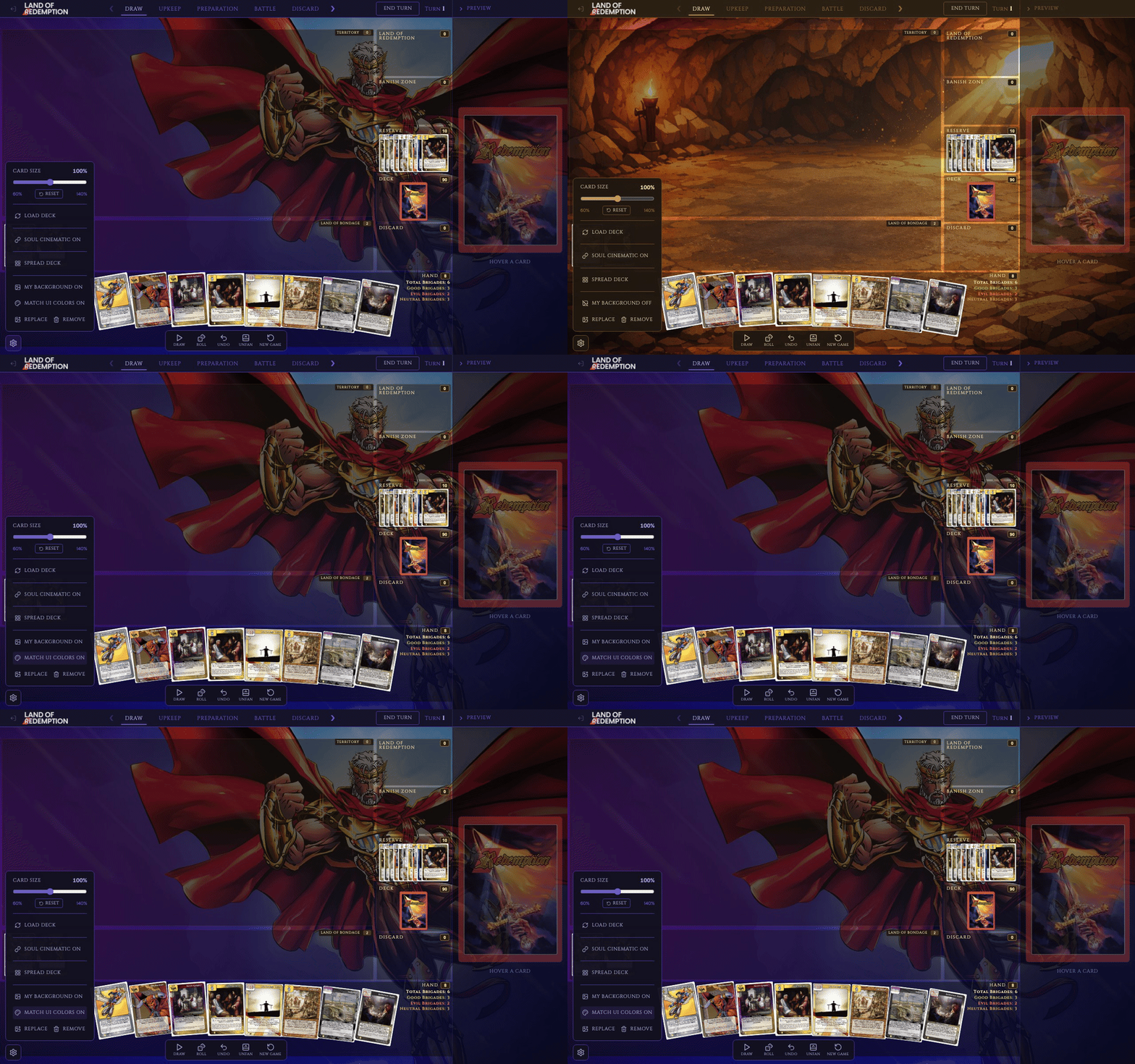
In the gear menu at the bottom left of the table, in practice mode or a multiplayer game, tap Upload Background to play on your own image. Only you see it; opponents keep theirs. The menus and panels take on the colors of your image, and you can turn that off in the same menu.
Spread Deck in practice mode
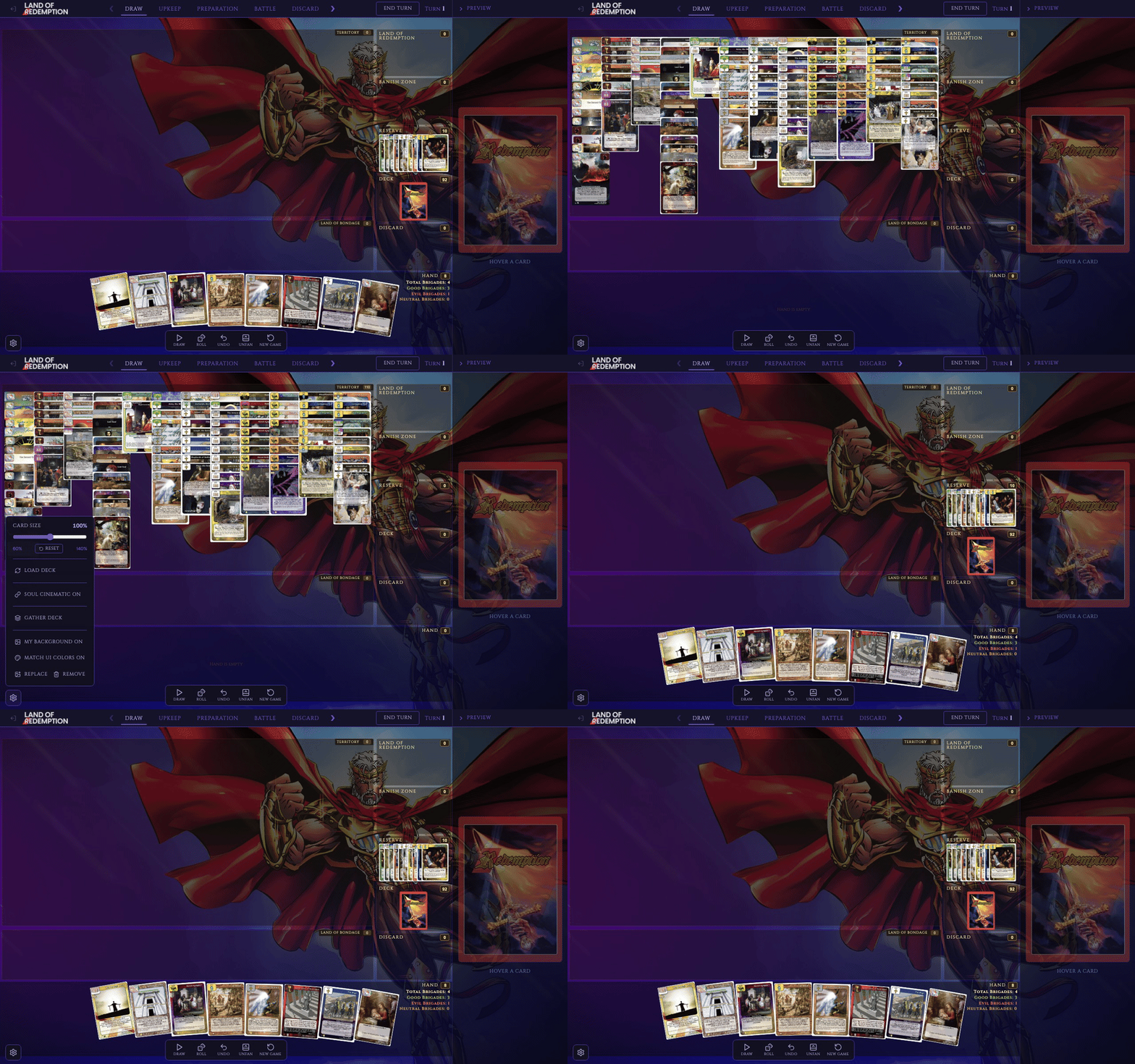
Also in the gear menu: Spread Deck lays your whole deck face up across Territory, sorted by type, wherever the cards are. Gather Deck puts everything back exactly where it was. Both can be undone.
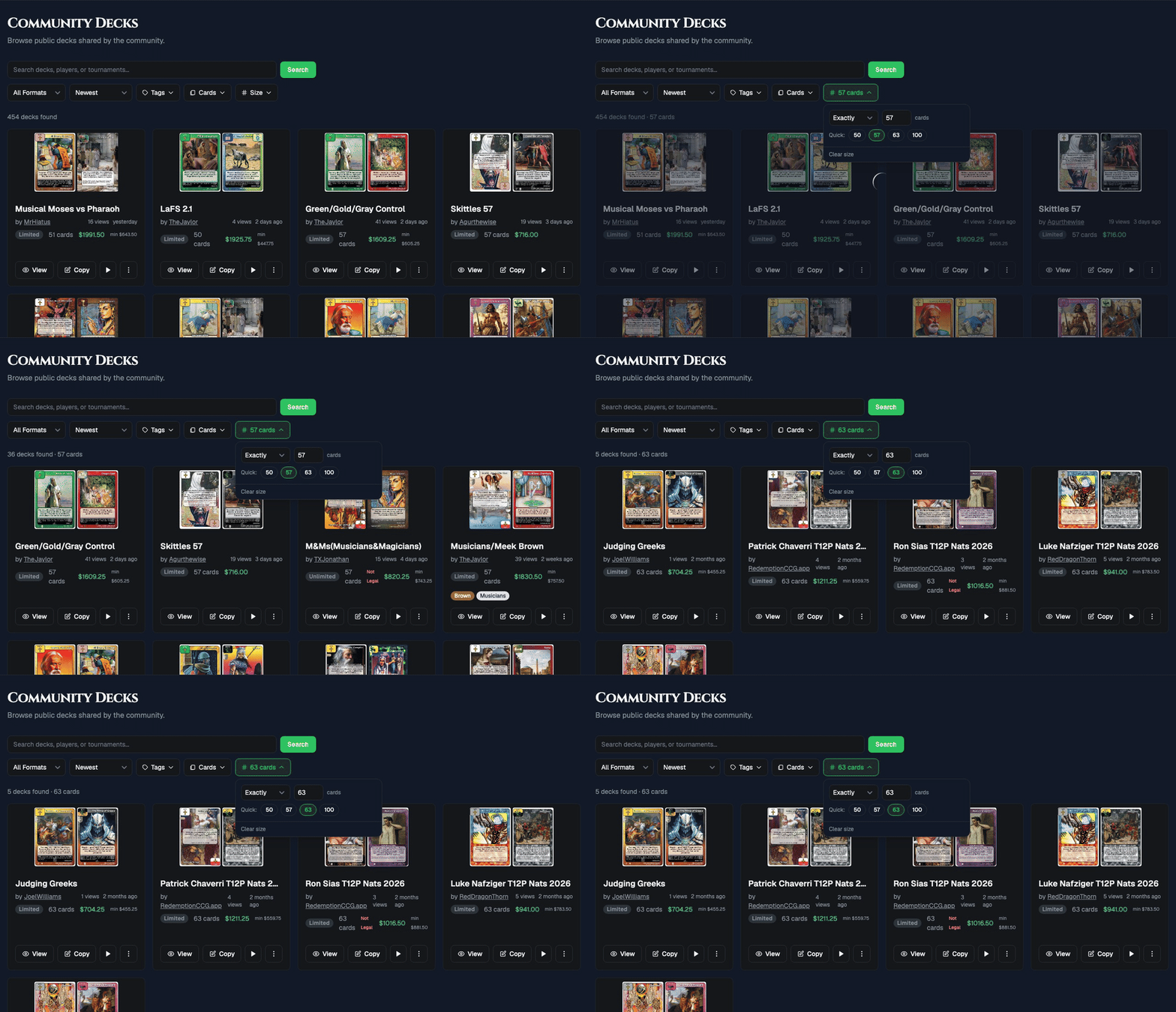
Community Decks: filter by size
A Size filter sits next to the Cards filter. Tap a quick size (50, 57, 63 or 100), or set at least, at most, or a range. The filter is part of the page link, so you can share it.
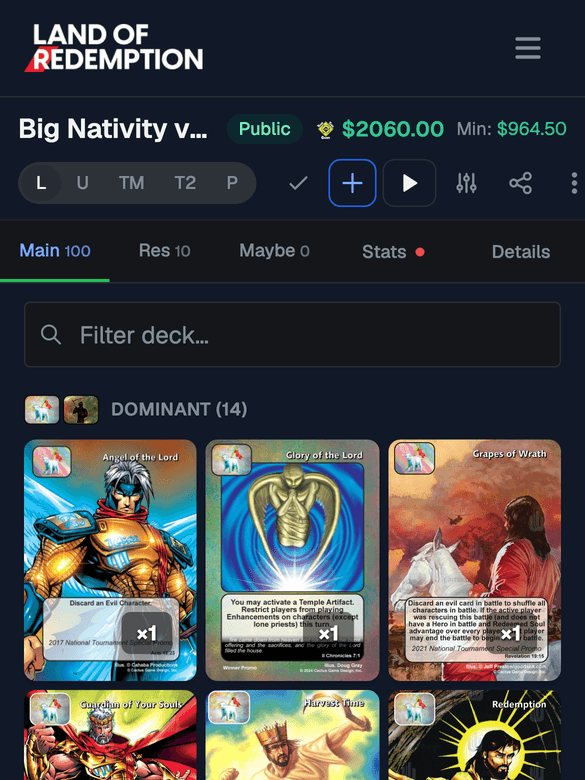
Deck builder on your phone
- Quantity badges are see-through, so you can read the card under them.
- Closing a card keeps your place in the deck list.
- The Back button closes the card instead of leaving the builder.
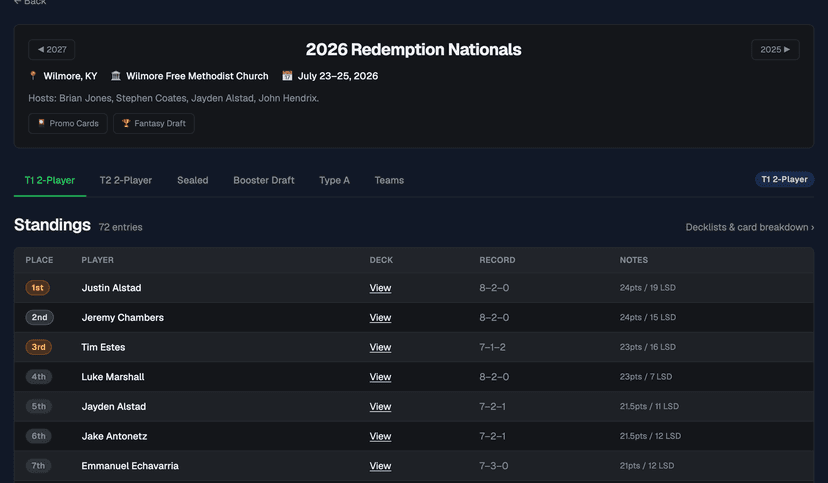
Nationals History: 2026 decklists
The 2026 T1 and T2 2-Player standings now link each player's decklist, with a Decklists & card breakdown link to the full results. Player profiles have the same links.
Smaller fixes
- Play: Reveal Reserve now shows your opponent every card in it, including the ones dealt at setup.
- Articles load faster, and the page no longer jumps while images load.
- Writers can share a draft with a proofreader through a secret preview link.
If something looks off, or there is something you wish the site did, tell me.